The capture, stage by stage
Six stages, one flight, real numbers.
No re-flights, nothing stitched together from separate jobs. Everything below follows a single capture from the first phone call through to the walkthrough. Every figure on this page is measured, not estimated.
01
The brief
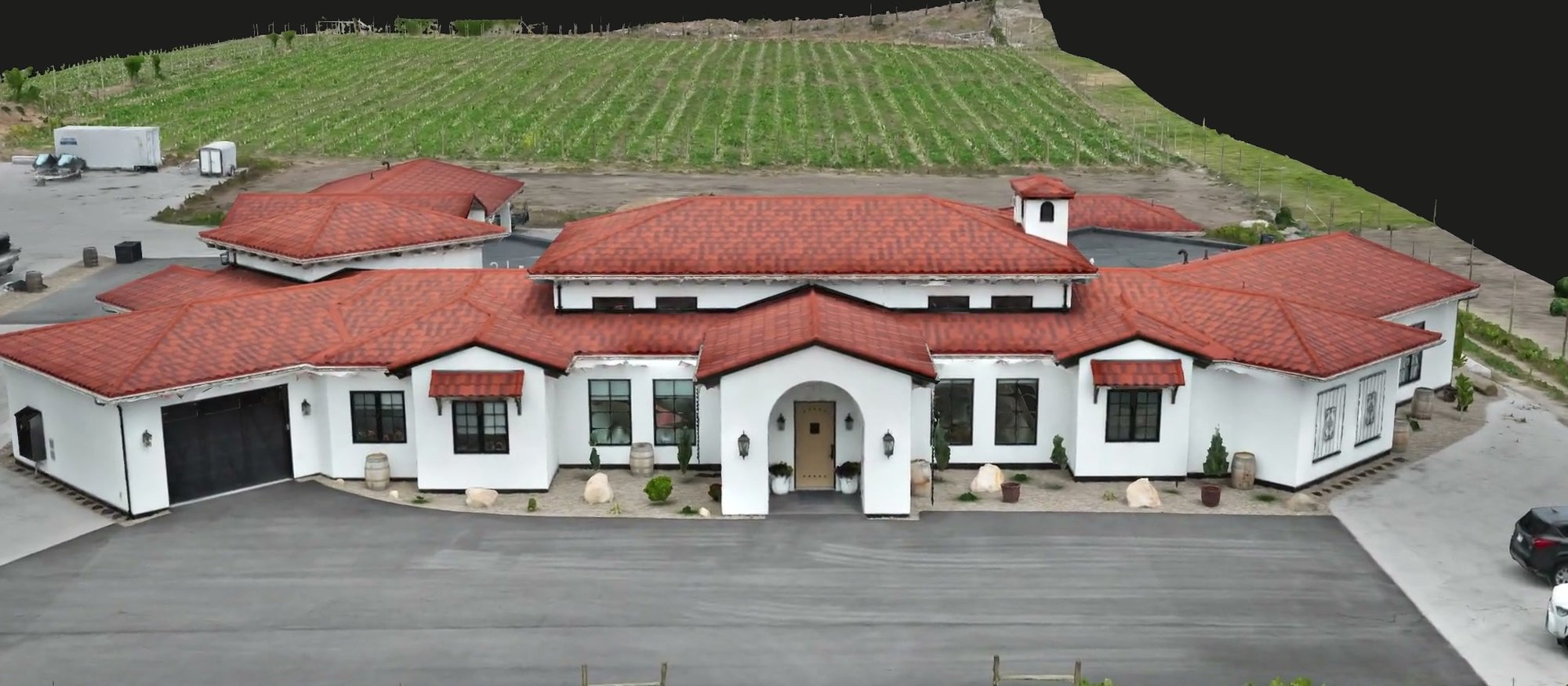
A 5.3-acre Summerland property: house, driveway, grounds, and the vineyard hillside rising behind it. We wanted to put the full pipeline through its paces on one site. Capture it once, then see how many separate deliverables a single good flight can support. One property, every output, no shortcuts.
The site: 5.3 acres · house, grounds & vineyard slope · Summerland BC
02
Flight plan & airspace
We planned the mission in NAV Drone against current Canadian aviation rules before anything left the ground. Overlap, altitude, and flight lines were set to carry both the wide property context and tile-level roof detail in one pass. Airspace got checked at planning, not on the day.
Planned in NAV Drone · flight lines set for full coverage and close detail
03
Capture day
One planned flight produced 6,052 images, each frame georeferenced as it was taken on an RTK positioning workflow. The result on the day was 100% RTK FIX. Not float, not a single dropped frame. That's the difference between a pretty picture and data you can actually measure from later.
6,052 RTK-fixed images · 100% RTK FIX · one flight
04
In-house processing
The whole set ran through DJI Terra and the QGIS and Blender pipeline on our own machines. That's roughly 25 hours across 46 processing blocks, handled by the same pilot who flew the site. Nothing waited in a third-party queue, and outputs came back georeferenced in NAD83(CSRS).
≈25 h · 46 blocks · DJI Terra → QGIS → Blender · NAD83(CSRS)
05
Georeferencing accuracy
The finished model lands within 3.6 cm RMSE of where the ground actually is. That's a verified figure from the processing report, not a number we hoped for. That accuracy is what makes the same capture trustworthy as a measurement source, not just something nice to look at.
3.6 cm georeferencing RMSE · verified, not estimated
06
Delivery & walkthrough
The outputs landed in a shared folder with interactive 3D you can open in a browser, plus a walkthrough of what the data shows. Everything below this point is a real deliverable from this one capture. Load each one and look around.
Shared client folder · interactive 3D · walkthrough of the data